The PSQ function
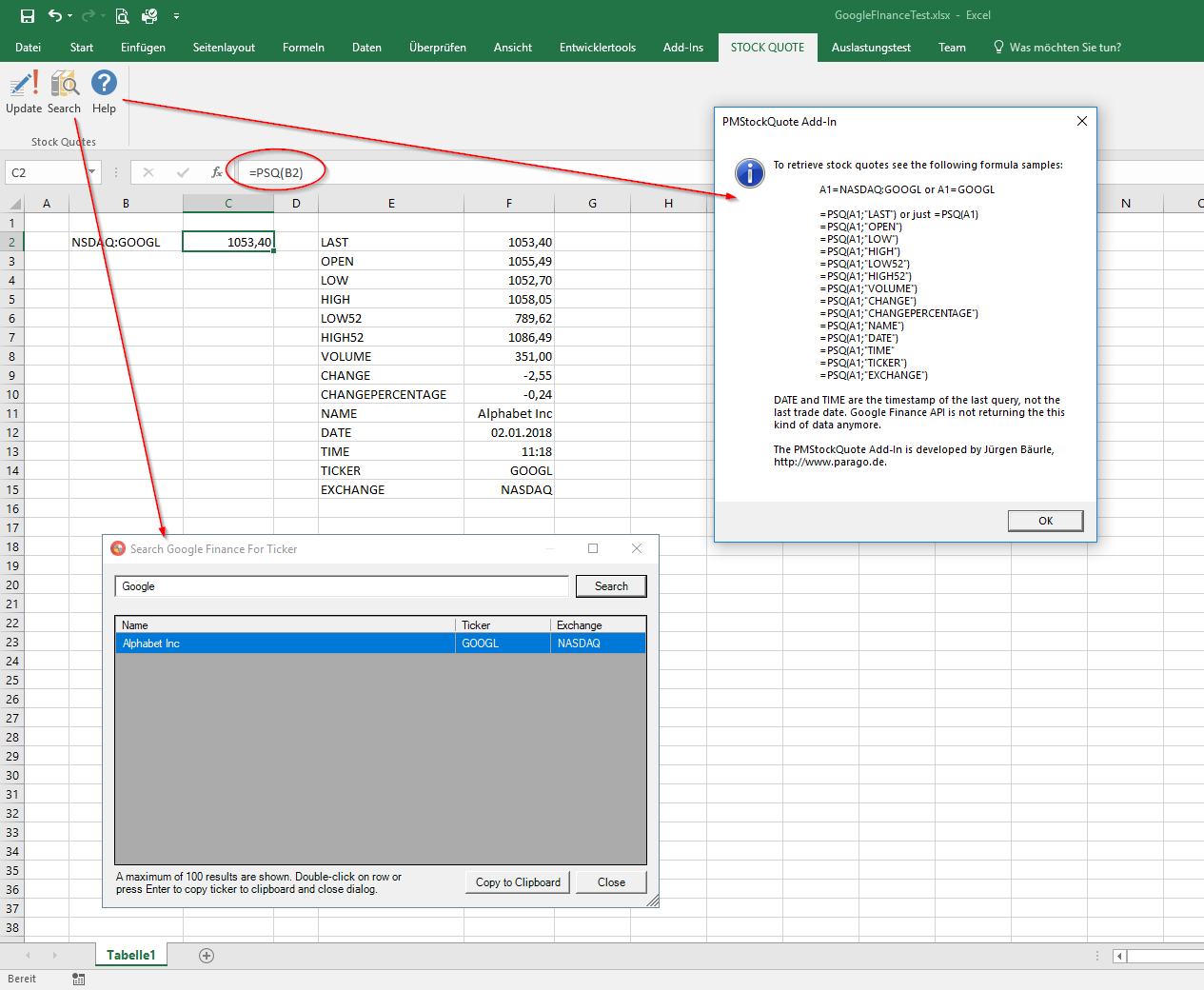
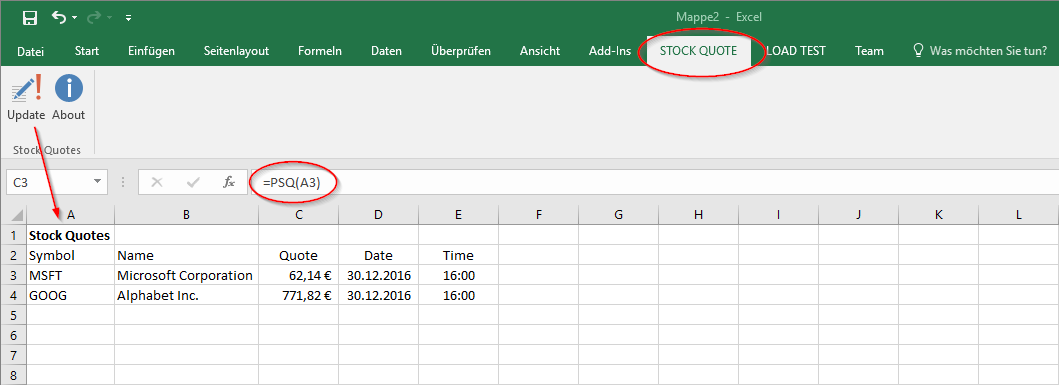
One function, one cell per value. The first argument is the ticker symbol, the second names the value. Without a second argument PSQ returns the last price.
=PSQ(A1) · =PSQ(A1;"OPEN") · =PSQ(A1;"CP")
A German Excel separates arguments with a semicolon, an English one with a comma.
| Second argument | Returns |
|---|---|
PRICE, CLOSE, LAST |
Last price. Also the result without a second argument. |
OPEN |
Opening price |
LOW, HIGH |
Low and high of the day |
LOW52, HIGH52 |
52-week low and high |
VOLUME |
Volume |
CHANGE |
Change against the previous close |
CHANGEPERCENTAGE, CP |
Change in percent |
NAME |
Company name |
TICKER, SYMBOL |
Ticker symbol |
EXCHANGE |
Exchange |
DATE, TIME |
Date and time of the last query, not of the last trade. The Google Finance API stopped returning trade times. |
The PFX function
The Yahoo Finance versions of 2013 and 2017 had a second function for FX rates. The first argument is the currency pair as Yahoo Finance wrote it, the second names the value. Without a second argument PFX returns the rate.
=PFX(A1) · =PFX(A1;"NAME") · =PFX(A1;"TIMELOCAL")
| Second argument | Returns |
|---|---|
RATE |
Exchange rate. Also the result without a second argument. |
NAME |
Name of the currency pair |
DATE, TIME |
Date and time of the quote in US Eastern time |
DATELOCAL, TIMELOCAL |
Date and time of the quote in local time |
In the Yahoo versions PSQ knew the same four date and time arguments.
Installation and check, Excel 2007 and 2010
The version for Excel 2007 and 2010 came as a Windows installer. It registers two COM add-ins, the Parago.de Stock Quotes Function Add-In and the Parago.de Stock Quotes UI Add-In, and the automation add-in ParagoStockQuote.Functions. When PSQ is not available after the installation, the Add-Ins page of the Excel options shows the cause. The list of active add-ins must contain both COM add-ins. The Excel Add-ins dialog, opened with the Go button at the bottom of that page, must list ParagoStockQuote.Functions with a tick; if the entry is missing, it is added and ticked.
Versions
- 2007: first version for Excel 2007, user-defined functions plus a ribbon tab, modelled on the MSN add-in
- 2009: installer for Excel 2007 and 2010
- 2013: version for Excel 2013 on Excel-DNA, with
PFX, local time, parallel retrieval and caching - 2017: version for Excel 2016
- 2017: in November Yahoo terminates its finance API, the add-in stops working
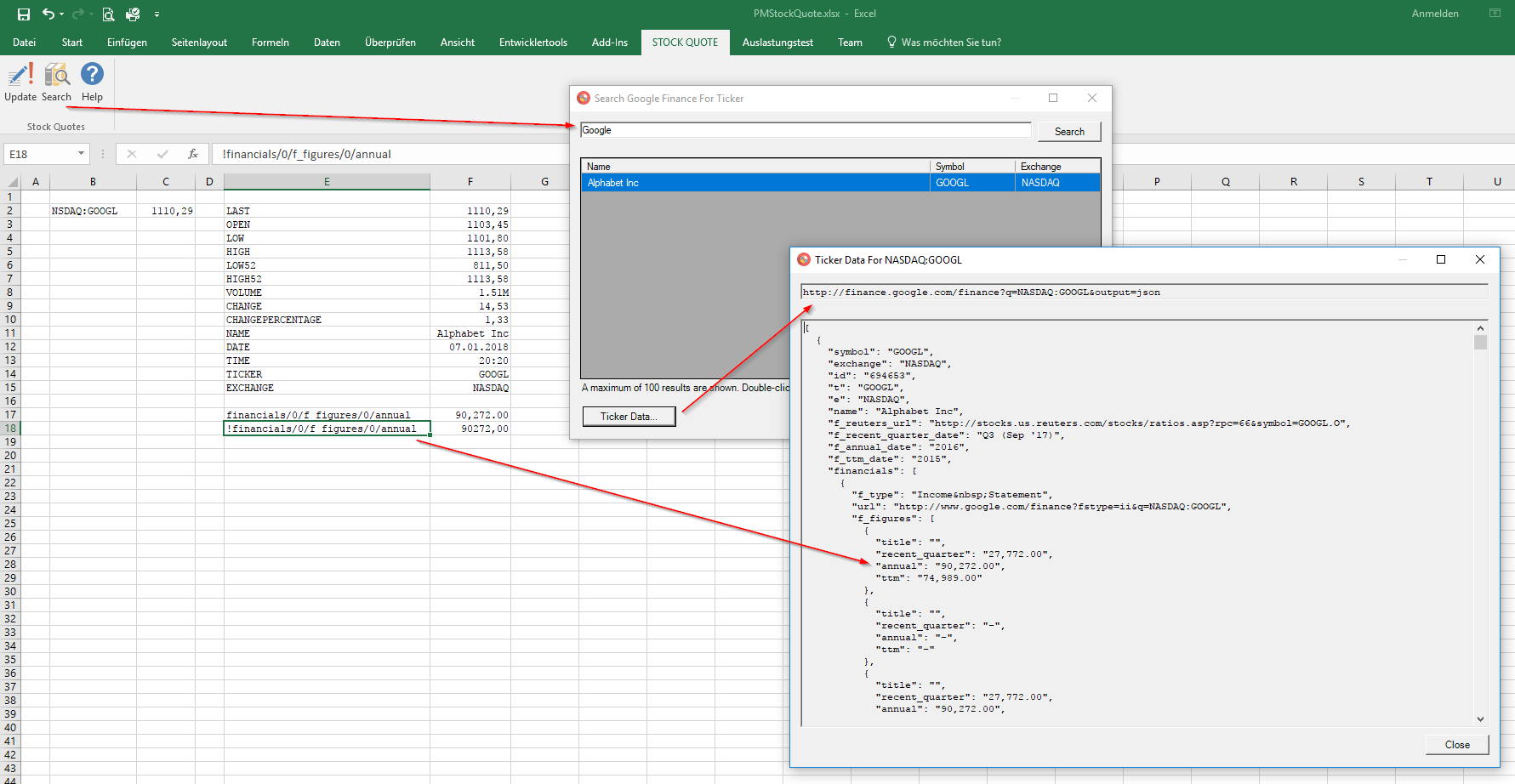
- 2018: in January rebuilt on the Google Finance API, with new ticker symbols, a search dialog and more values
- 2018: in March Google terminates the service, the add-in stops for good
Screenshots